Audio, plainly explained.
Guides, comparisons, and short deep-dives on per-app volume, auto-duck, routing — and the macOS audio quirks the rest of the internet doesn't talk about.
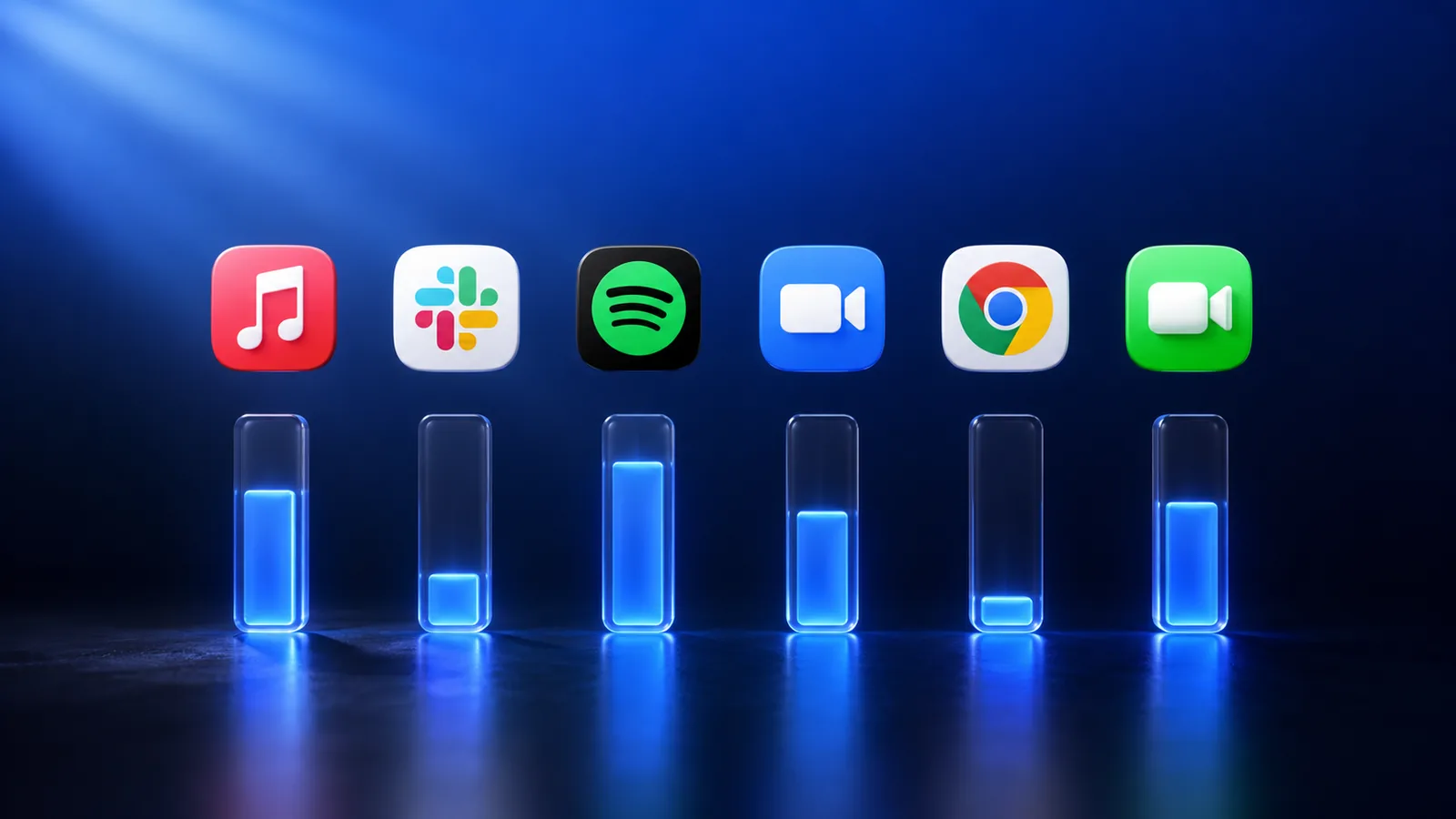
Per-app volume on macOS: the complete guide (2026)
macOS still ships with one master volume slider in 2026. Here are the three ways to get a real per-app mixer — and which one is right for you.
Read the post
Why macOS still doesn't ship a per-app volume mixer in 2026
Windows has had one since 2006. Linux distros come with one. macOS still ships with a single volume slider. Here's the long, uncharitable explanation.
Whisper Mode: the one-keypress way to keep your Mac quiet
Cafes, libraries, late-night sessions. One hotkey caps every app at a polite level — except the call you don't want to miss.
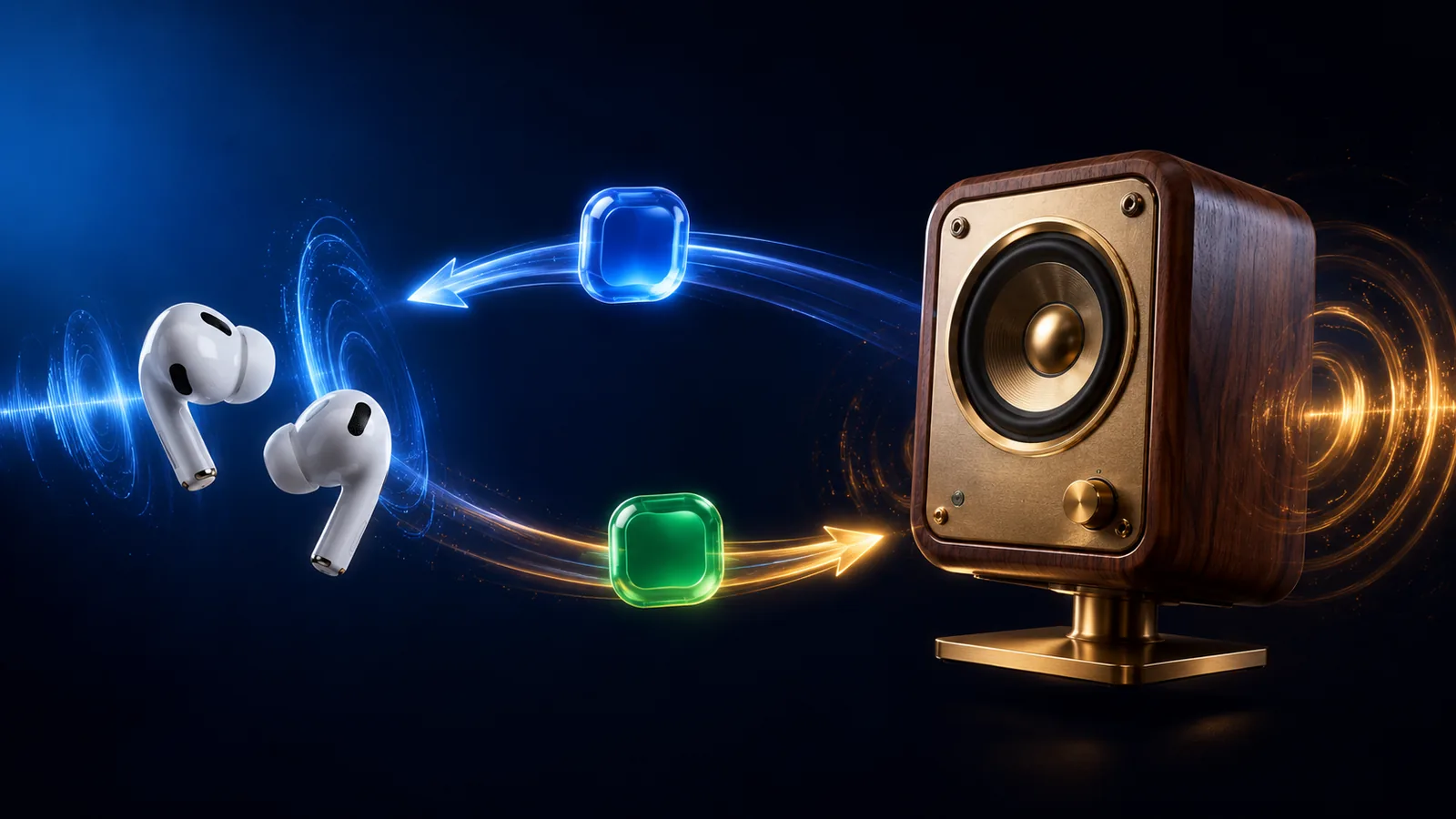
Route Zoom to AirPods while keeping Spotify on speakers
The classic split-output scenario macOS makes weirdly hard. Here's why the built-in Multi-Output Device approach falls short, and a setup that actually works.
Looking for a SoundSource alternative? How to choose in 2026
SoundSource is the heavyweight per-app audio tool for macOS. It's also $50 and built for audio engineers. Here are the alternatives — and honest advice on when SoundSource is still right.
How to find which app is making noise on your Mac
A sound is playing somewhere on your Mac and you have 30 tabs open. Here are three ways to find it — including the one we built into mactooloud.
Auto-duck explained: when your Mac should turn the music down
Auto-ducking is the trick where music gently lowers itself when someone starts talking. macOS doesn't do it natively. Here's how it works and how to set it up.
Want every app to have its own volume slider?
Try mactooloud free for 7 days. $2.99/mo or $24/yr after that.
Download mactooloud