Whisper Mode: the one-keypress way to keep your Mac quiet
Cafes, libraries, late-night sessions. One hotkey caps every app at a polite level — except the call you don't want to miss.
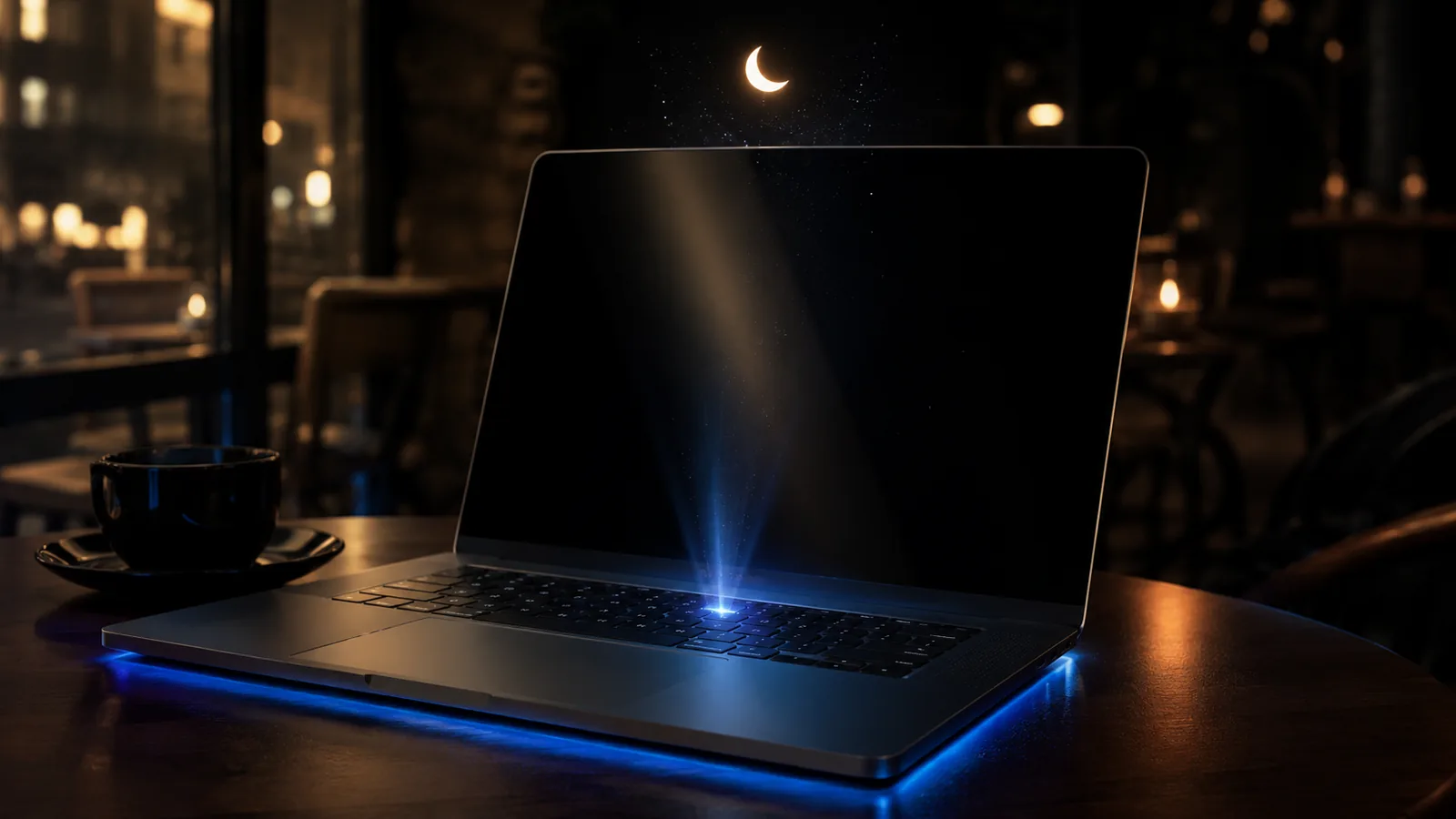
You're at the café. The barista calls your name. You miss it because Spotify is twelve clicks deep on your second monitor and your laptop volume keys would cut the call you're half-listening to. The master volume slider is too blunt: take it down and you can't hear the call either.
What Whisper Mode does
Whisper Mode is a single keystroke (default ⌘⇧W) that does two things at once:
- Caps every non-call app at 5–10% — music, Slack pings, browser tabs, notifications all drop to a polite background level.
- Leaves call apps (Zoom, Meet, FaceTime, Discord, Slack huddles) untouched so the voice you're listening to stays at full volume.
Tap the hotkey again to release. Your prior levels come back exactly.
Why a hotkey matters
Volume management is one of those things you only do reactively. The barista calls; you can't fish for a menu bar slider. Whisper Mode is built around "oh no, oh — handled" — a single, predictable keystroke that always does the same thing and is always reversible.
Customizing the threshold
The default cap is 8%. You can change it per profile:
- Library: 3% — even softer.
- Café: 8% — default.
- Open office: 15% — quiet but not silent.
- Late night: 5% — soft enough that a sleeping partner won't hear it.
You can also override which apps count as "call apps." By default we include Zoom, Meet, FaceTime, Discord, Slack, Microsoft Teams, and Webex. If you use a more obscure call app, add it to the call-apps list and Whisper Mode will preserve its volume too.
When not to use it
Whisper Mode is global. If you only want to mute Slack pings, just turn Slack down individually — don't sledgehammer everything. The mode is for environments where every stray sound is a problem.
Read next

Auto-duck explained: when your Mac should turn the music down
Auto-ducking is the trick where music gently lowers itself when someone starts talking. macOS doesn't do it natively. Here's how it works and how to set it up.
Why macOS still doesn't ship a per-app volume mixer in 2026
Windows has had one since 2006. Linux distros come with one. macOS still ships with a single volume slider. Here's the long, uncharitable explanation.
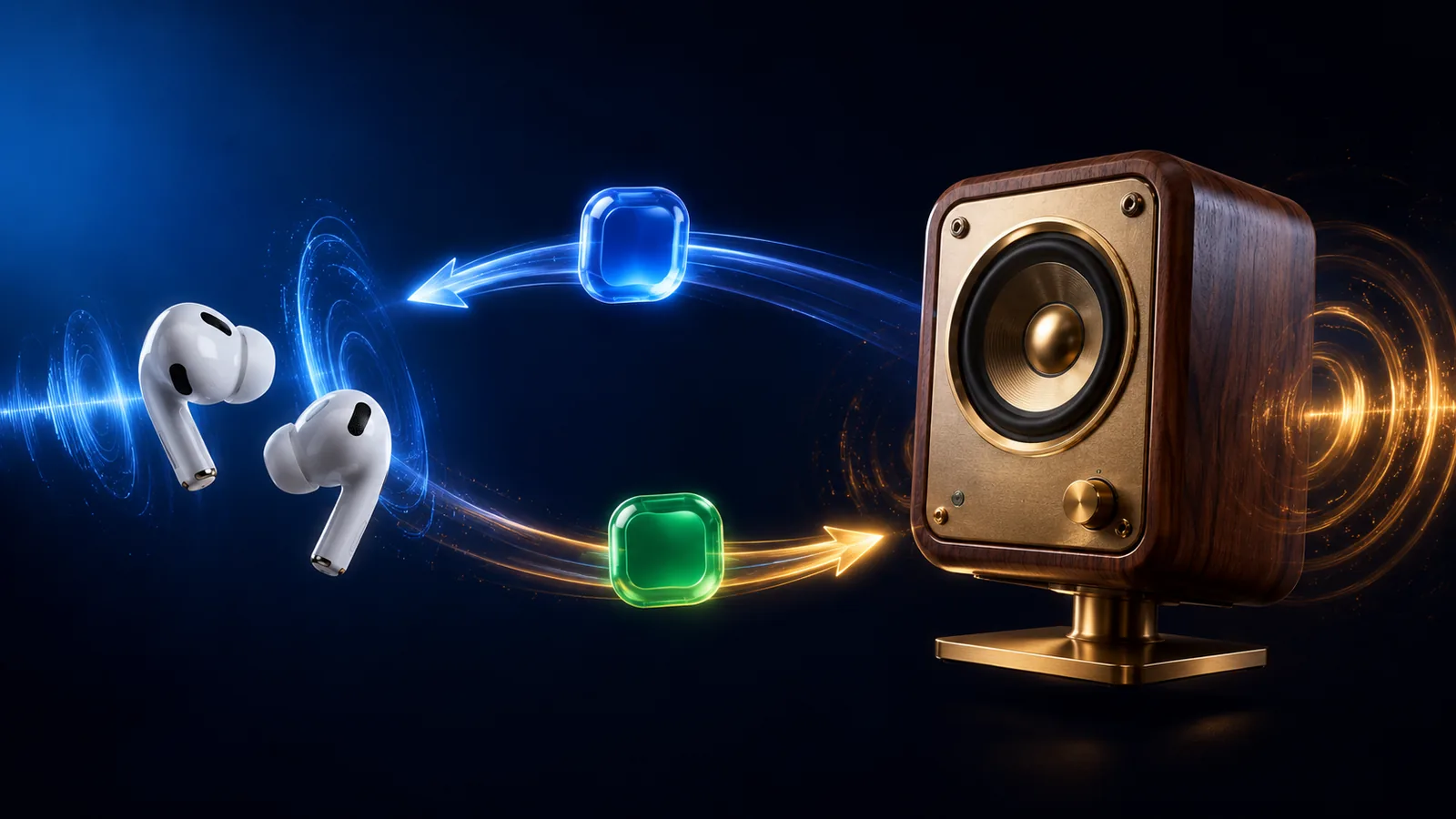
Route Zoom to AirPods while keeping Spotify on speakers
The classic split-output scenario macOS makes weirdly hard. Here's why the built-in Multi-Output Device approach falls short, and a setup that actually works.
Give every app its own slider.
Try mactooloud free for 7 days. $4.99/mo, $39/yr, or $90 lifetime after that.